 Statiko Docs
ChatGPT
Add Statiko to ChatGPT, as a plugin for Telegram Analytics or a custom connector for Creator tools.
ChatGPT gets Telegram Analytics through the Statiko plugin, and Creator tools as a custom connector.
Telegram Analytics
1. Install the plugin
Open the Statiko plugin in ChatGPT and press Install plugin.
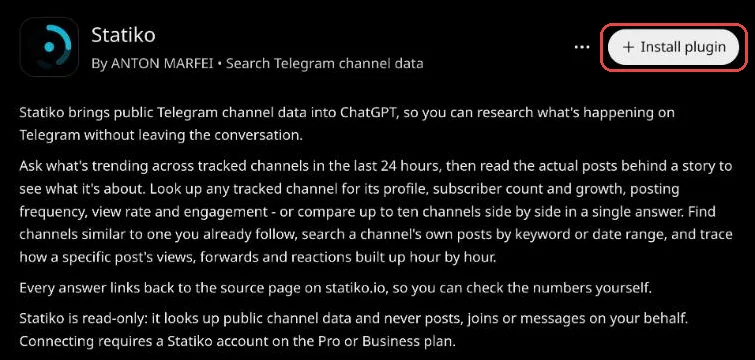
2. Press Connect Statiko
ChatGPT asks you to confirm. Press Connect Statiko, and a Statiko tab opens.
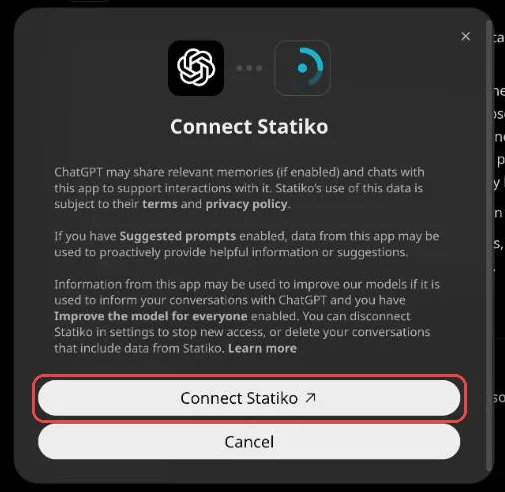
3. Sign in with your Statiko account
Sign in, then press Allow if Statiko asks. If you're already signed in, this step is skipped.

4. Try it in a chat
Back on the plugin page, Install plugin is replaced by Manage and Try in chat. Press Try in chat.
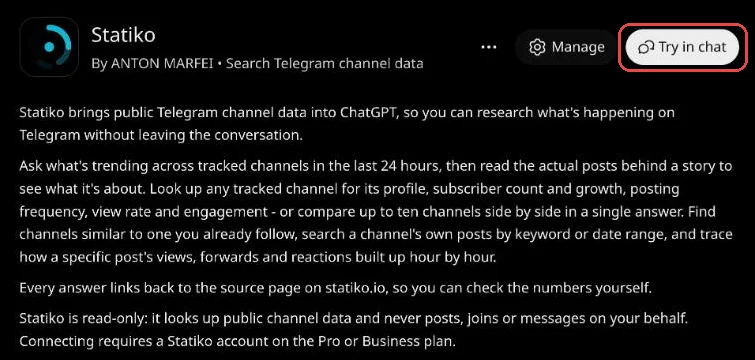
5. Ask something
The new chat starts with @Statiko. Ask "what's trending today in RU Telegram?". When the answer cites Statiko, you're connected.
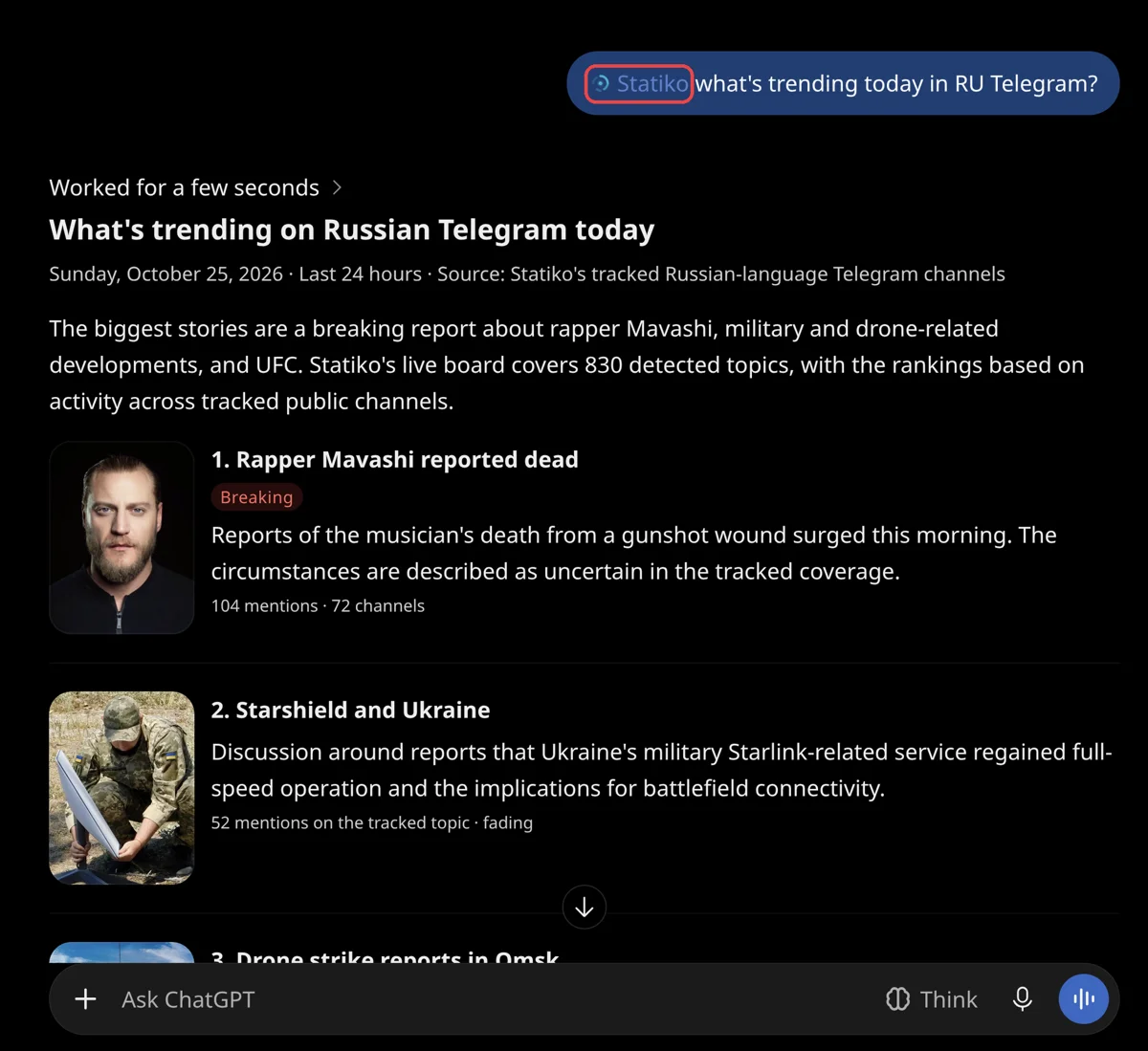
ChatGPT can also use Statiko in deep research and cite the statiko.io pages it read.
Creator tools
Creator tools are added as a custom connector, which needs Developer mode.
- Open Settings → Apps & Connectors → Advanced settings and turn on Developer mode.
- Back in Apps & Connectors, press Create.
- Name it
statiko-creator, pastehttps://creator-mcp.statiko.io/mcpas the URL and pick OAuth for authentication. - Press Create, then sign in with your Statiko account and press Allow.
- In a new chat, turn on the connector under + → Developer mode and ask "what's on my calendar this week?".
ChatGPT asks before each tool that changes something, such as saving or scheduling a post.
Troubleshooting
- ChatGPT doesn't use Statiko. Type @Statiko at the start of your question.
- "Not authorized for this organization". Your account is on the Free plan. Upgrade to Pro or Business, then connect again.
More in the overview.